Start with what you have.
Bring in a photograph, artwork or texture. Make a selection and isolate the part you want to change.
Image import / Selections / MasksA DIRECT SPACE FOR VISUAL IDEAS / Luma Studio
Start with a photograph, a texture or a mark. Give it a world of its own.
Select, paint, layer and refine. One editable canvas. Your visual language.
Open the web studio Public web alpha · No installation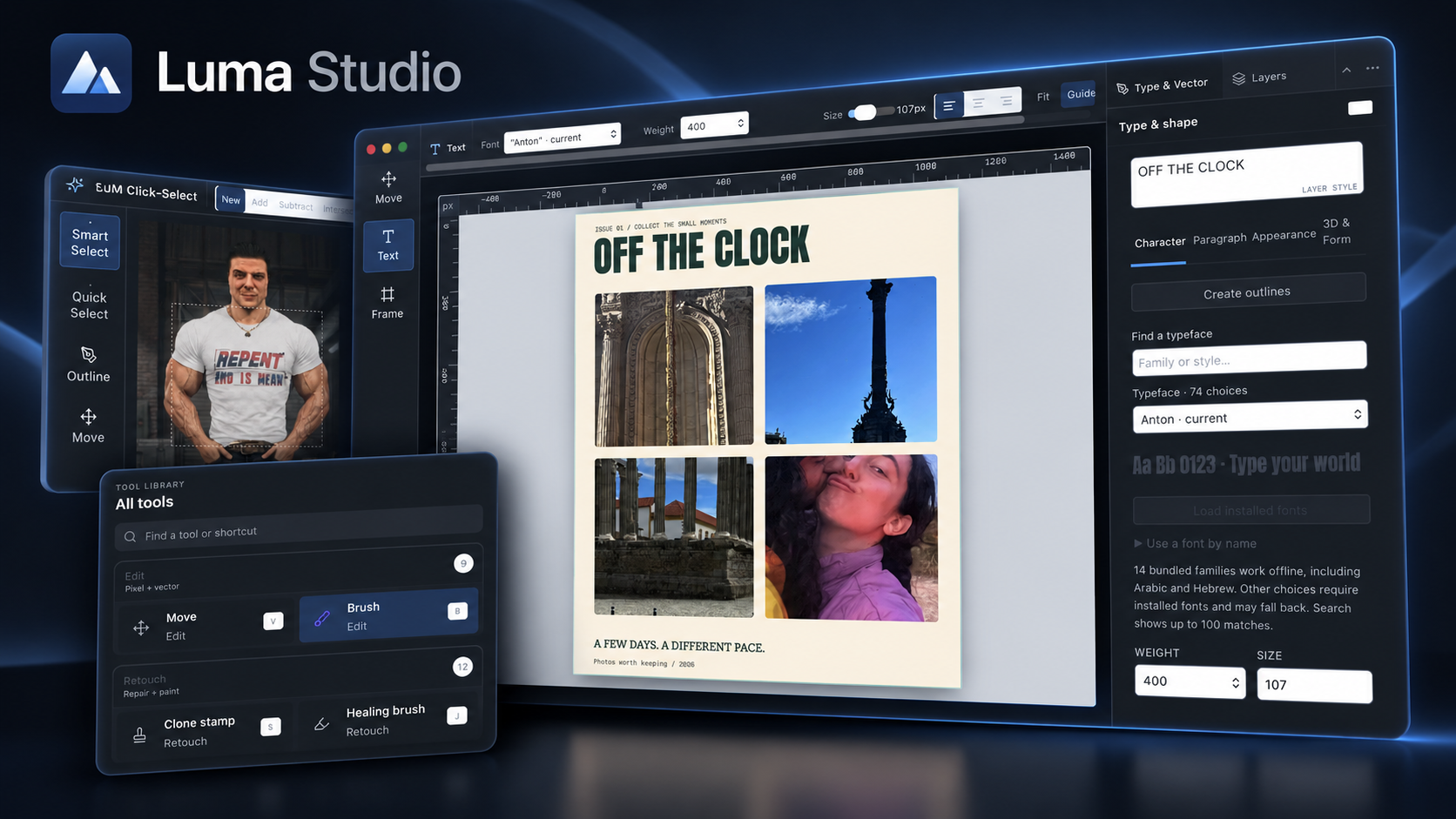
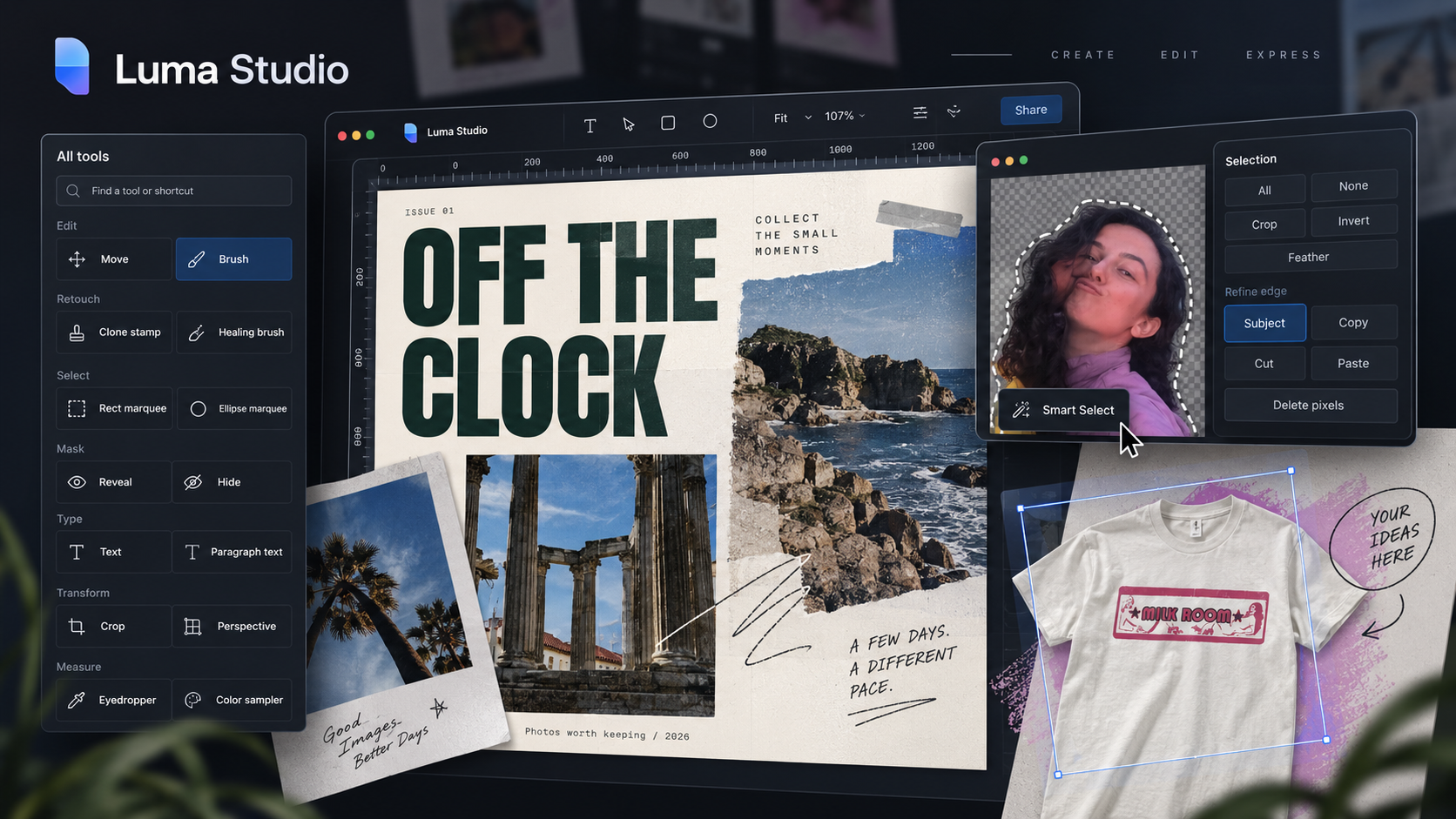
SELECT / PAINT / LAYER / REFINE
MAKE IT YOURS / REAL EDITOR
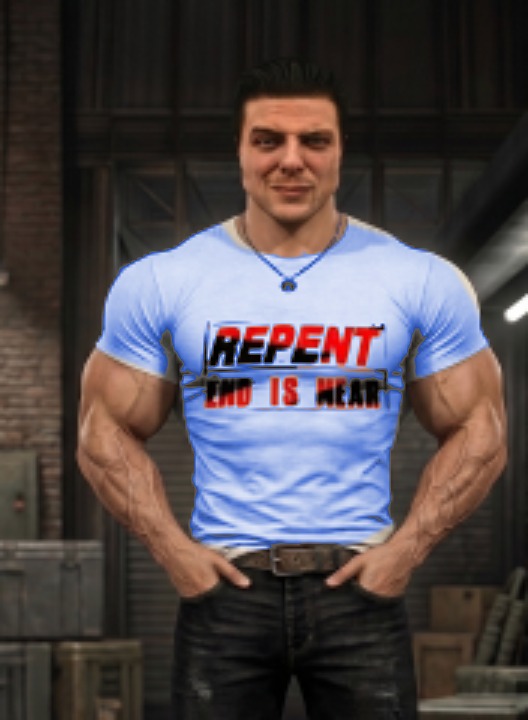
Start by selecting and recoloring the shirt. Then try an eight-layer composition and explore its effects.
Luma Studio / REAL EDITOR
About Luma Studio ↗Tap the shirt with Smart Select. Refine the mask with Add and Remove, then recolor it.
01 / THE WORKFLOW
Start with a useful change. Keep the layers, masks and lettering editable as the image grows.
Bring in a photograph, artwork or texture. Make a selection and isolate the part you want to change.
Image import / Selections / MasksArrange images, add editable type and paint with captured brushes. Let layers and blending connect the pieces.
Layers / Typography / Captured brushesExplore color and effects, compare a new direction and keep the editable project alongside your export.
Adjustments / Effects / Editable projects02 / BUILT TO KEEP YOU MAKING
Make a print. Build a campaign. Give one photograph three different moods. Choose the tools that serve the image.
Find your starting pointLayers & masks
Reorder the composition, refine a smart selection and paint a mask to control where a layer or adjustment appears.
Brushes & blending
Capture an image as a brush. Blend a graphic into fabric, reveal texture and balance the opacity of each layer.
Type & composition
Keep headlines editable, work with shapes and paths, and develop coordinated layouts from the same artwork.
03 / BEYOND ONE IMAGE
Carry your visual language into a print, a shirt, an album cover or a poster. The prepared projects show how the pieces fit together.
Try it in Luma StudioThe workshops combine source images with additional editable layers, masks, type and treatments. Keep the original photograph and save your editable .luma project.
INSIDE LUMA STUDIO
Build layered images, refine every detail, and keep creative decisions editable.
21features to explore
Raster, text, shape, path, group, adjustment, and smart-object layers.
Available in the browser workshop. Initial editor and media loading require a network connection.
Try this feature ↗27 Photoshop layer blend modes, opacity and fill controls, multiple blend passes, and Blend If.
Available in the browser workshop. Initial editor and media loading require a network connection.
Try this feature ↗Layer masks, clipping masks, layer effects, and editable smart filters.
Available in the browser workshop. Initial editor and media loading require a network connection.
Try this feature ↗Levels, Curves, HSL, exposure, tone, and color adjustments.
Available in the browser workshop. Initial editor and media loading require a network connection.
Try this feature ↗8-, 16-, and 32-bit precision masters; sRGB, Display P3, and linear sRGB working spaces.
Available in the browser workshop. Initial editor and media loading require a network connection.
Try this feature ↗Supported ICC profiles, soft proofing, and gamut warnings.
See release status for this edition. Offline operation is not confirmed for this capability.
Pressure- and tilt-aware brushes, symmetry, painting, erasing, and mixer tools.
Available in the browser workshop. Initial editor and media loading require a network connection.
Try this feature ↗Capture full-color image tips from the canvas or an uploaded image; use tint or stencil modes and save brush libraries inside projects.
Try the browser workshop online. Initial editor and example assets require a network connection.
Try this feature ↗Clone, healing, removal, dodge/burn, blur/sharpen, smudge, and sponge tools.
Available in the browser workshop. Initial editor and media loading require a network connection.
Try this feature ↗Marquee, lasso, polygonal, magnetic, color, quick, text-mask, and local semantic selections.
Try the browser workshop online. Initial editor and example assets require a network connection.
Try this feature ↗Feathering, smoothing, contrast, and edge shifting.
Available in the browser workshop. Initial editor and media loading require a network connection.
Try this feature ↗Editable text, paragraph and vertical type, and text on curved paths.
Try the browser workshop online. Initial editor and example assets require a network connection.
Try this feature ↗Pen and direct selection, shapes, perspective adjustments, cropping, straightening, and transforms.
Available in the browser workshop. Initial editor and media loading require a network connection.
Try this feature ↗Supported DNG sensor development with retained source data, white balance, exposure, and highlight controls.
See release status for this edition. Offline operation is not confirmed for this capability.
Additional camera formats through available macOS codecs, with clearly identified preview fallbacks.
See release status for this edition. Offline operation is not confirmed for this capability.
PSD/PSB preflight, preservation of supported text/vector/adjustment metadata and smart-object payloads, plus conversion warnings.
See release status for this edition. Offline operation is not confirmed for this capability.
Branching history, recovery, multiple documents, contextual properties, custom workspaces, and shortcuts.
See release status for this edition. Offline operation is not confirmed for this capability.
Actions, batch ZIP export, named layer comps, channel inspection, and artboard-region export.
See release status for this edition. Offline operation is not confirmed for this capability.
Local segmentation/matting and authenticated hosted generative edits, including masked regions and variations.
See release status for this edition. Offline operation is not confirmed for this capability.
Editable `.luma` projects and PNG, JPEG, and WebP outputs.
Available in the browser workshop. Initial editor and media loading require a network connection.
Try this feature ↗Declarative action packages, native file dialogs, and native high-precision compositing for eligible documents.
See release status for this edition. Offline operation is not confirmed for this capability.
AFTER HOURS / Luma Studio / Web editor
Build a real exhibition poster: one original still life, two editable text elements, and a controlled shift in tone.
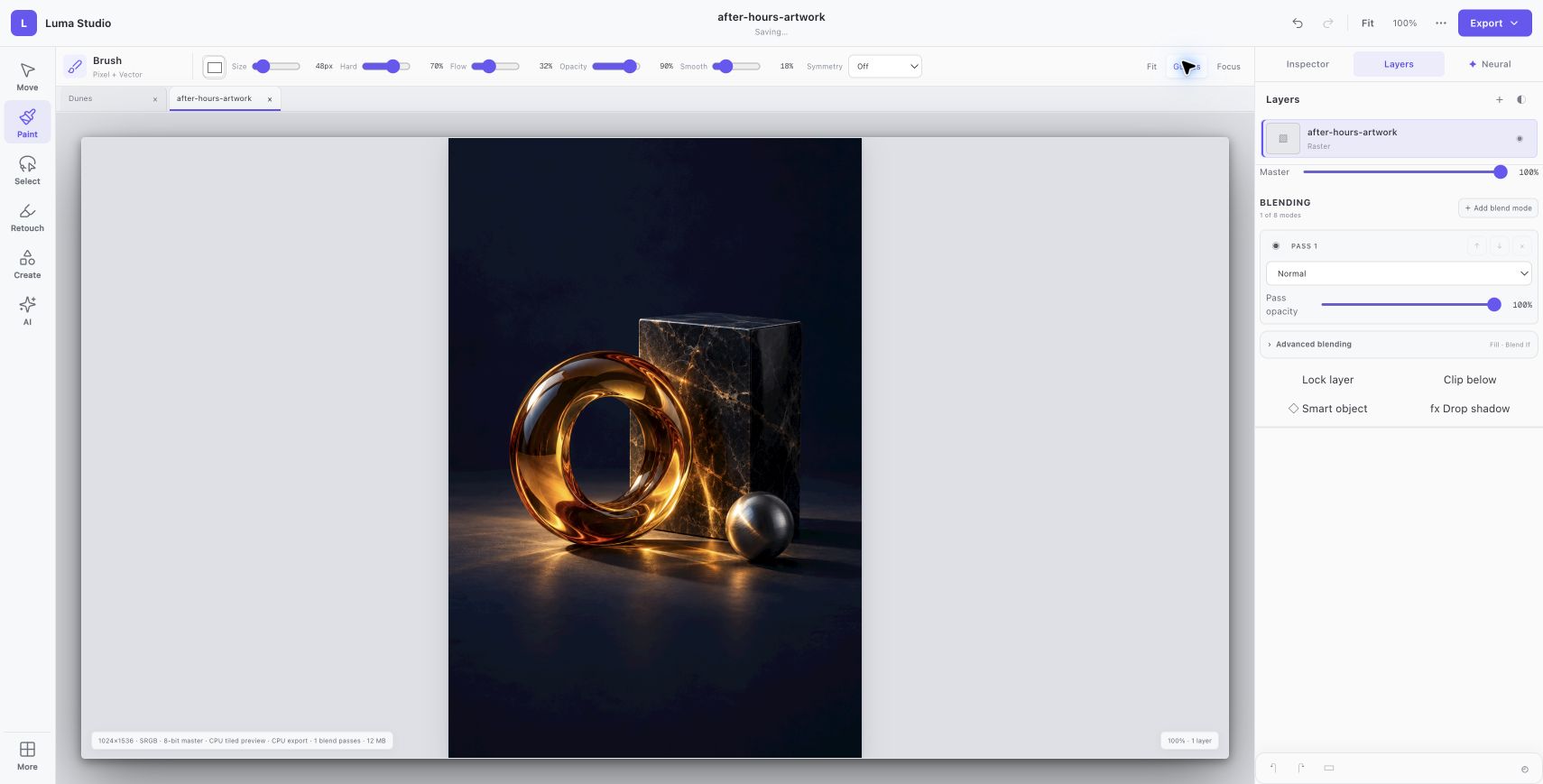
An original AI-generated still life becomes a 1024 × 1536 portrait document. The source artwork remains its own raster layer.
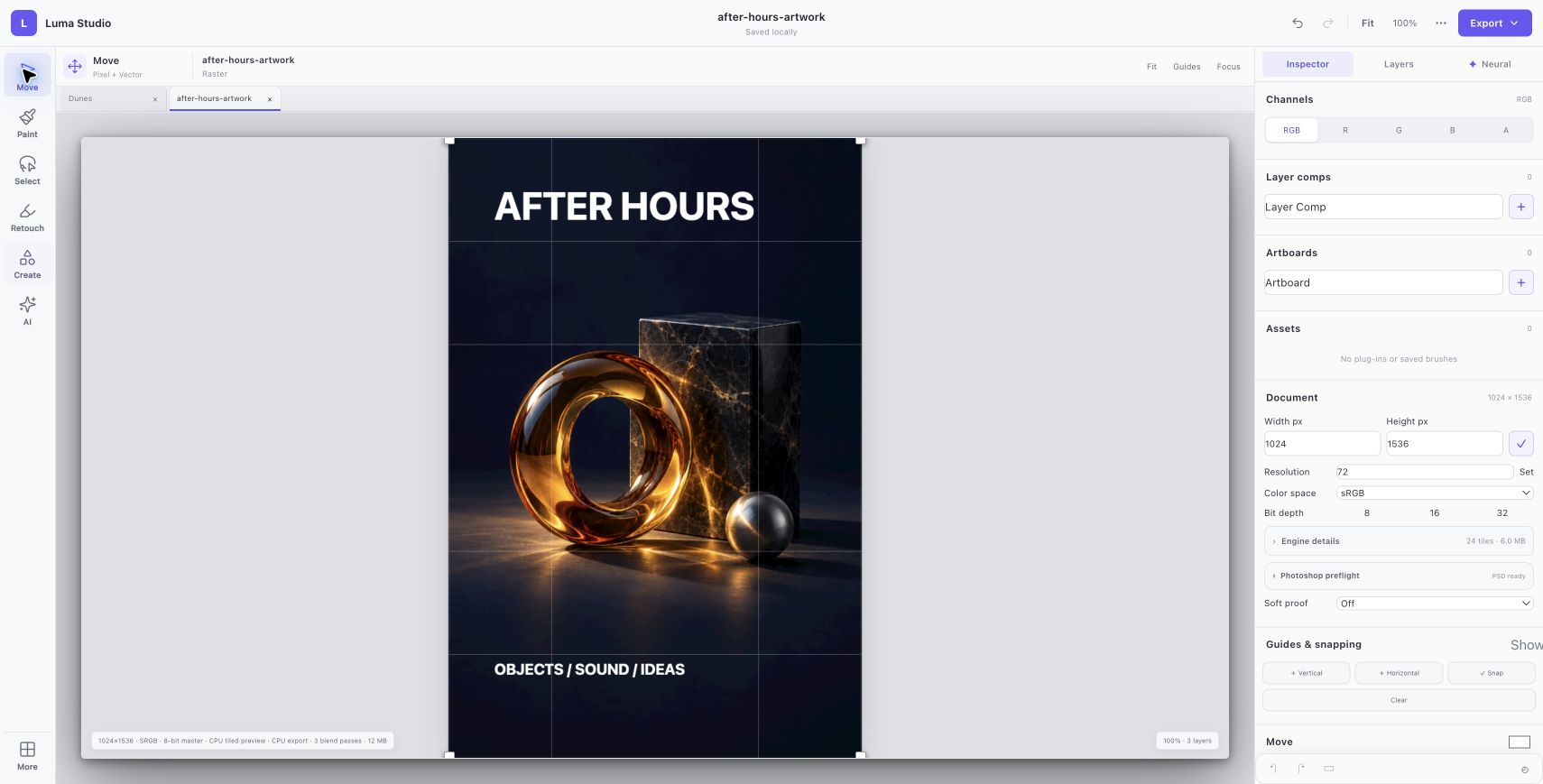
AFTER HOURS and OBJECTS / SOUND / IDEAS are separate editable text elements, placed in the open space around the still life.
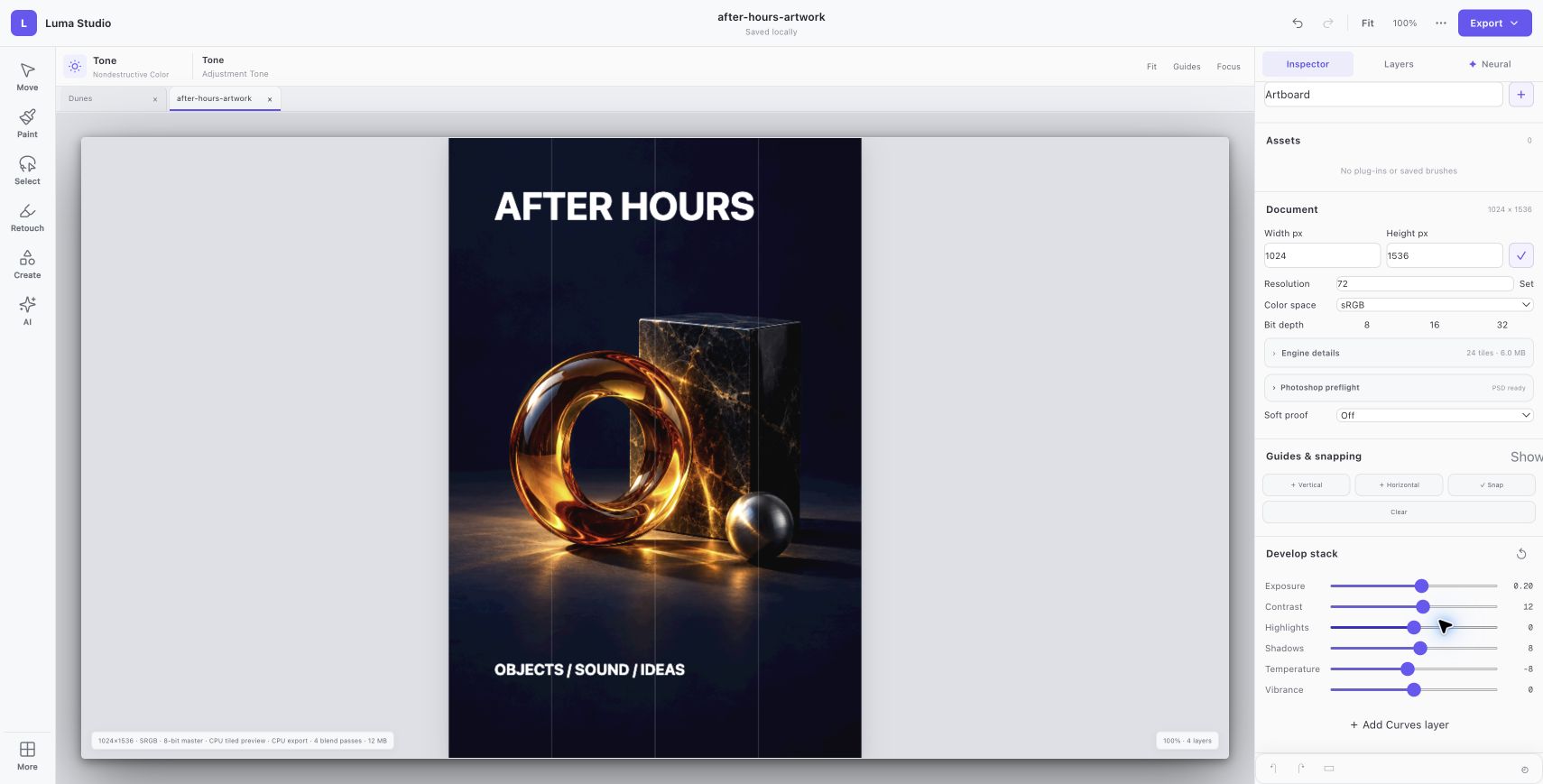
A tone layer sets exposure to 0.20, contrast to 12, shadows to 8 and temperature to −8. The before and after views use the same composition.
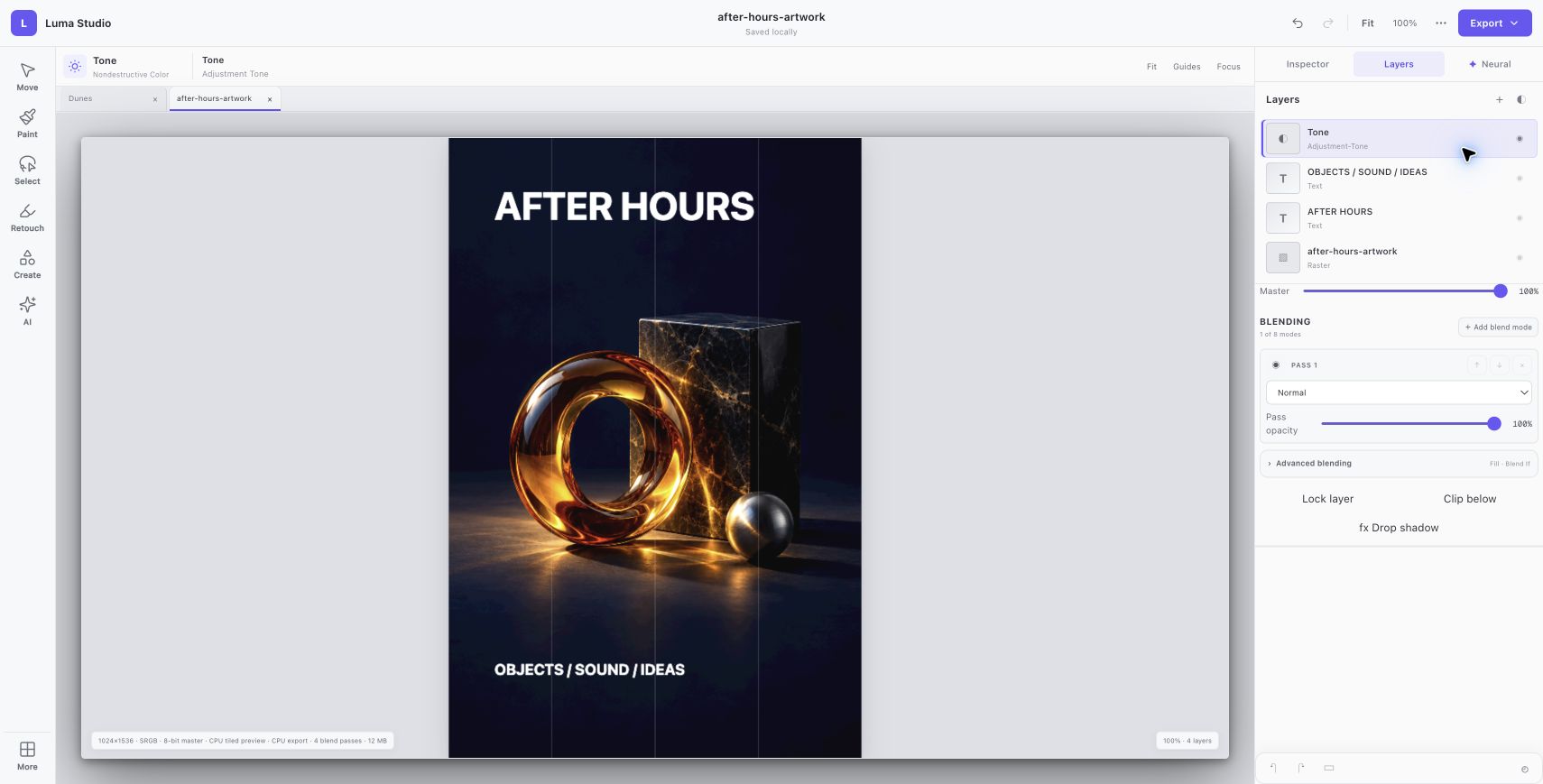
The four-layer document was saved in Luma’s native format. Its exported PNG was opened and visually checked at the original 1024 × 1536 size.
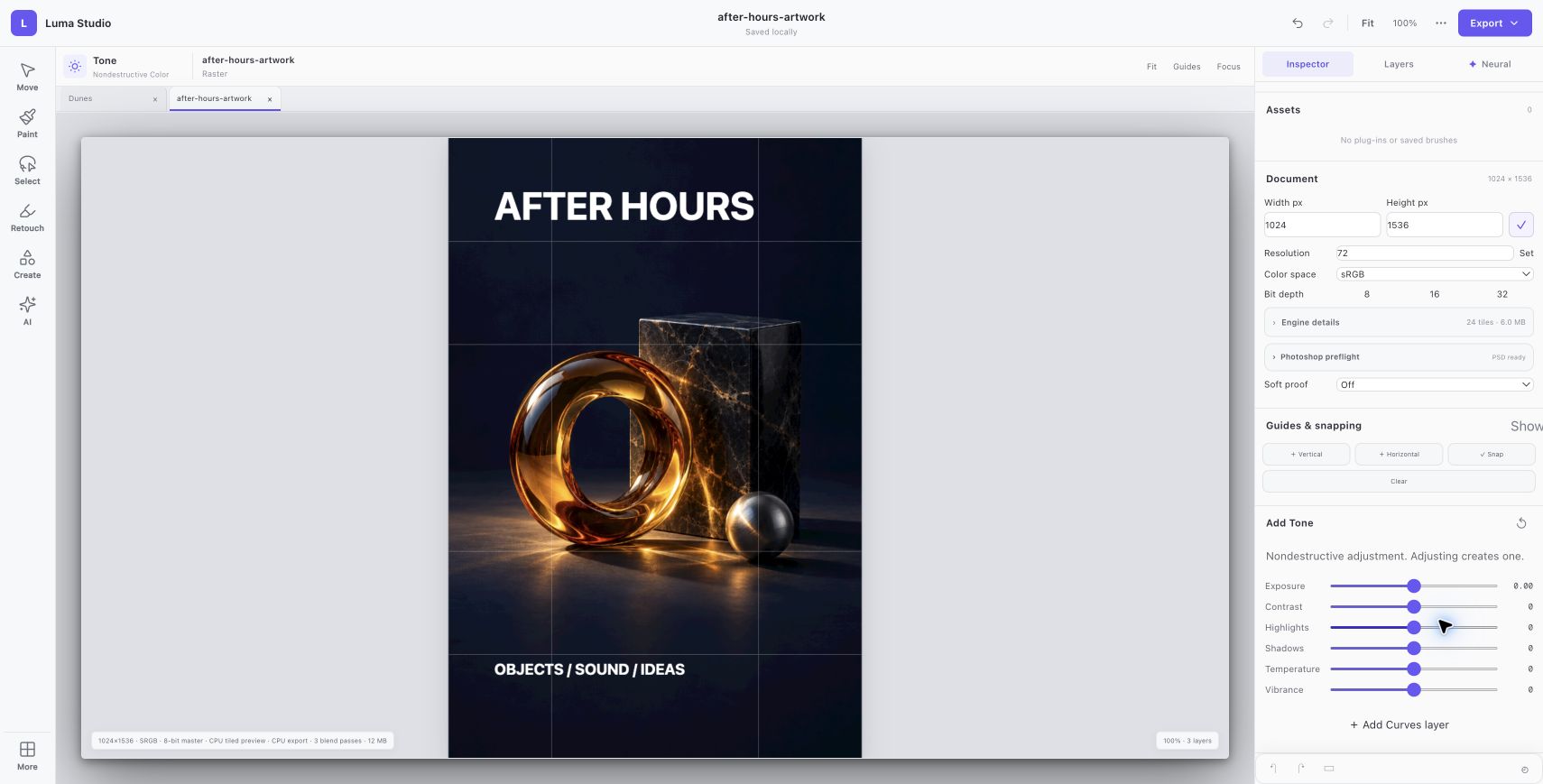
Actual PNG output from Luma. The source artwork was AI-generated; typography and tone were applied in the editor.
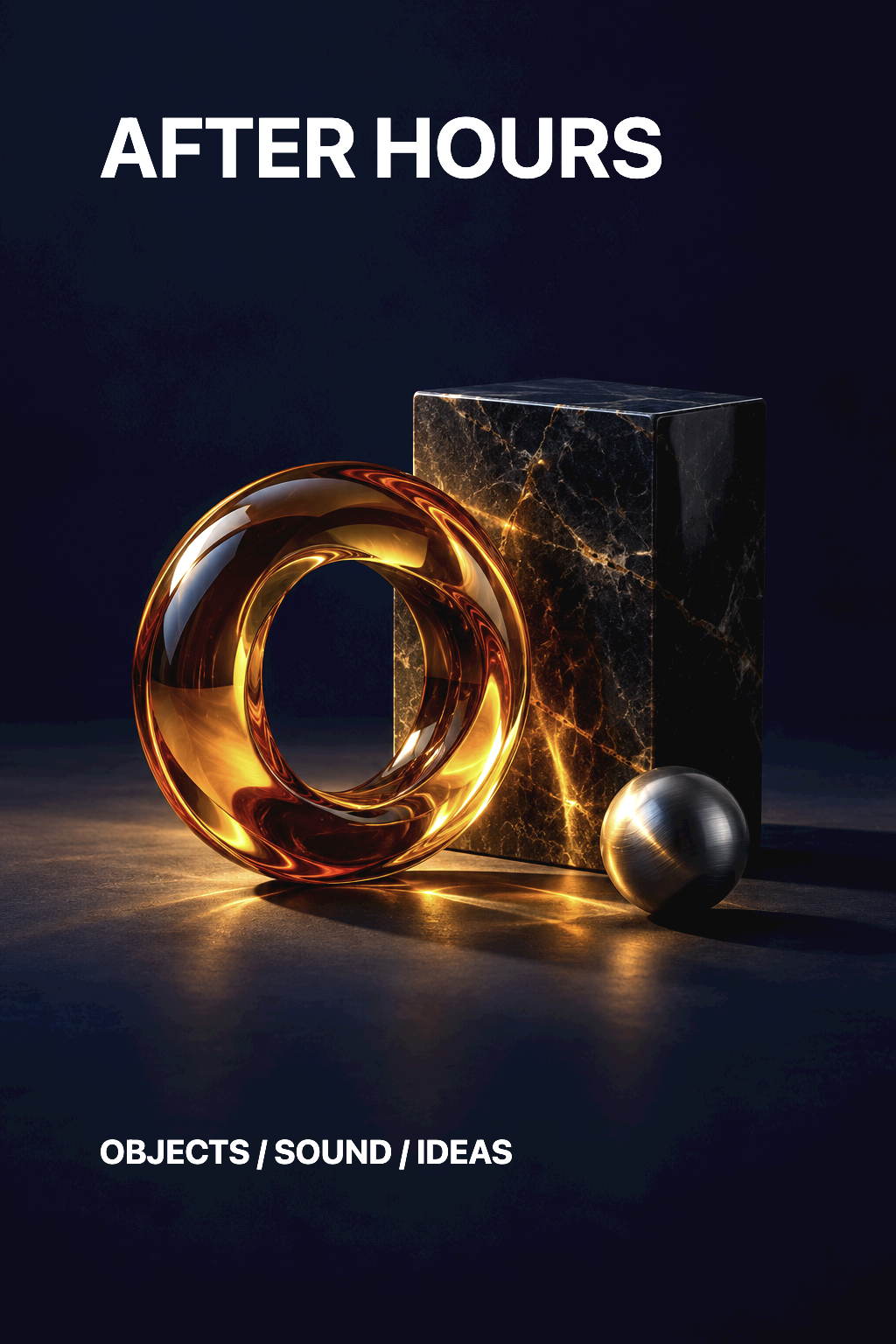
Actual browser session. Native Luma v4 archive integrity and all four layer records were verified. No PSD round-trip or print-production fidelity is implied.
YOUR BROWSER EDITION
Paint, compose with layers, adjust color, and export an image using the shared Luma editing engine.
Native RAW codecs and desktop print features are not all available in the browser. Optional hosted generative edits require sign-in and send selected image content to a service. PSD conversions have limits.
THE FOUR-PRODUCT CREATIVE SUITE